
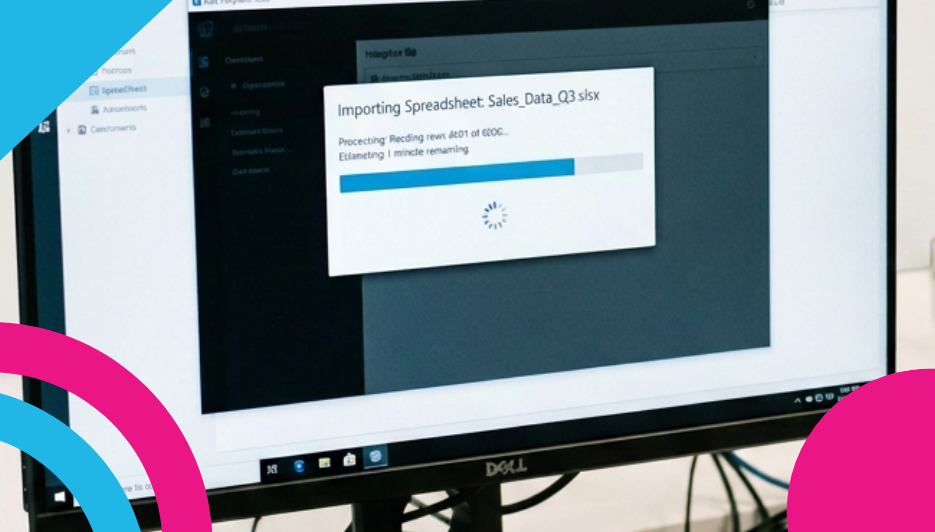
Getting your products onto your store has always been one of the first big jobs, and we’ve just made it a good deal quicker.
Say hello to Smart Import.
Upload the file you’ve already got
Smart Import takes your product file exactly as it is and works out the rest for itself. It reads your columns, figures out which one is the price and which one is the description, tidies up your categories, and shows you precisely what it found before a single product touches your store.
There’s no template to fill in first and no columns to reorder. Your headings can say whatever they already say.
If it came out of Shopify, Wix, WooCommerce, Etsy or Squarespace, upload it as-is. If it’s a supplier price list, upload that. If it’s the spreadsheet you’ve been keeping your stock in since 2019, upload that too. CSV, Excel, JSON, XML or a ZIP — up to 100MB.
All we need is a name and a price
That’s the whole requirement.
Everything else is a bonus. If your file has descriptions, stock levels, SKUs, weights and brands, brilliant — we’ll use the lot. If it’s two columns and a hundred rows, that works perfectly well too, and you can fill in the details later at your own pace.
Columns we don’t recognise are simply skipped, and your original file is left exactly as you had it.
See it before you commit
This is our favourite part.
Before anything is created, Smart Import shows you what it’s about to do — how many products it found, which categories it’s going to use, and how it’s read each of your columns. If something’s landed somewhere you’d rather it didn’t, you change it right there in the preview. No going back to your spreadsheet, no starting over.
Only when you’re happy do you hit Confirm Import.
Your images, sorted
If your file has web addresses for your images — most platform exports do — we’ll fetch them automatically. Nothing for you to do.
If it only has filenames, which is very common with supplier lists, pop your product file and your image files together into a ZIP and upload that instead. We’ll match them up for you.
Import again whenever you like
Smart Import recognises products already on your store and updates them rather than creating duplicates.
That makes it genuinely useful well beyond the first upload. Supplier changed their prices? Re-upload the list. Stock counts drifted after a busy weekend? Re-upload the list. Your catalogue catches up, and the preview tells you exactly how many products are being created versus updated before you confirm.
Available on every plan
Including Community. This isn’t a premium teaser.
The only thing worth knowing is that Community and Startup stores have a 1,000 product limit overall — and if an import would take you past it, the preview will let you know before anything is created.
The classic importer is still right here
Our original CSV importer isn’t going anywhere, and for plenty of merchants it’s still the better tool.
If you’re maintaining an automated export that already produces our format, or you want precise field-by-field control over exactly how every product is built, the template gives you that. It’s a proper, detailed spec and it does its job well. You’ll find the Classic CSV import link at the bottom of the import screen, along with a blank template to download.
Think of Smart Import as the quick route and the classic importer as the precise one. Migrations, supplier lists and one-off catalogue uploads are where Smart Import shines. Structured feeds you’ve already built are where the template earns its keep.
Both live on the same screen. Pick whichever suits the job in front of you.
Give it a go
Head to Manage > Products > Import in your control panel and drag your file into the box. That’s genuinely the whole process.
And if anything looks off in the preview, our support team are on hand — just drop them a ticket from your control panel.
Leave a Reply